Radio Rate
Click on the menu Media -> Masters -> Radio -> Radio Rate.
The following screen should appear. This is the Radio Rate Collection.
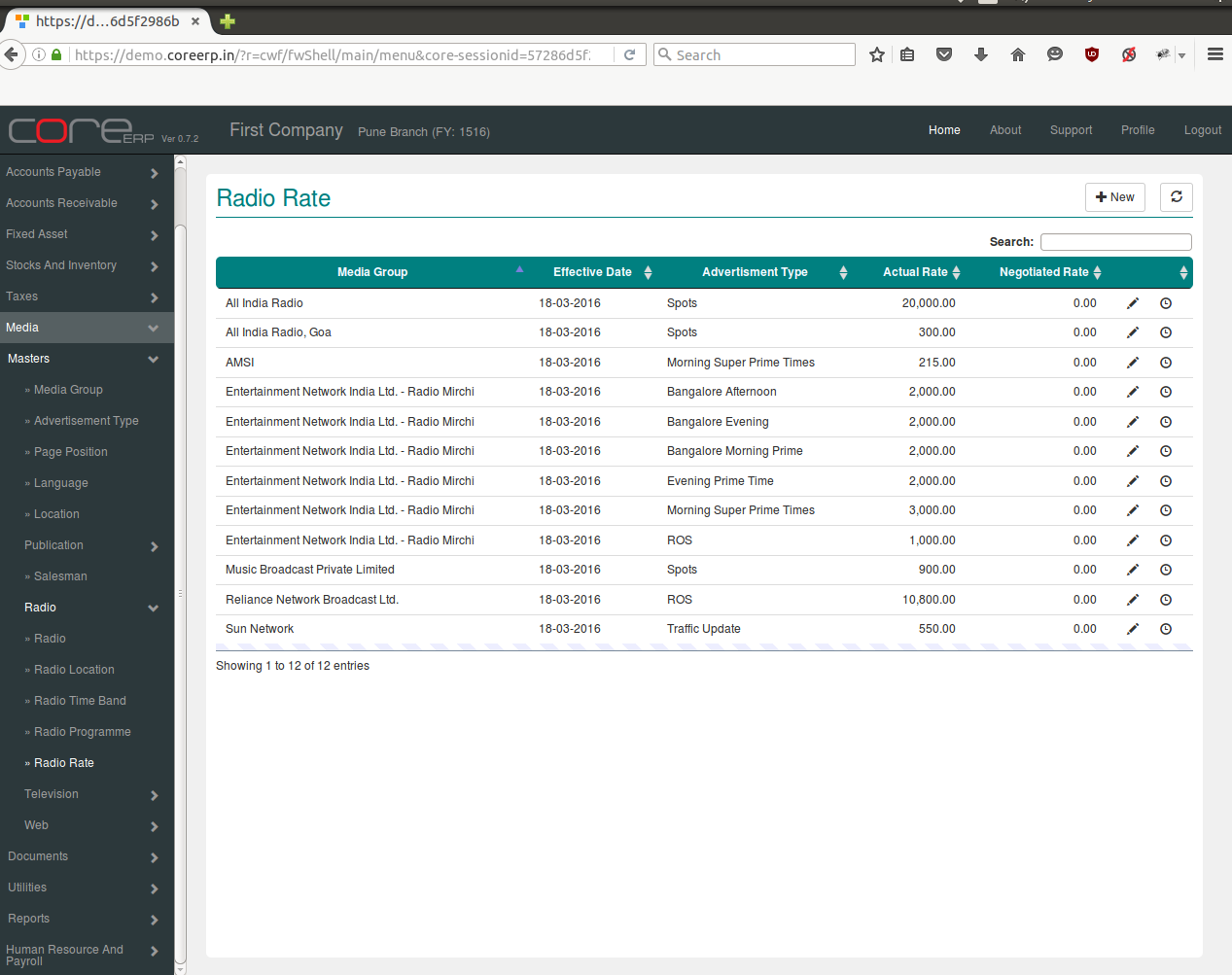
You can create a new Radio Rate by clicking on 
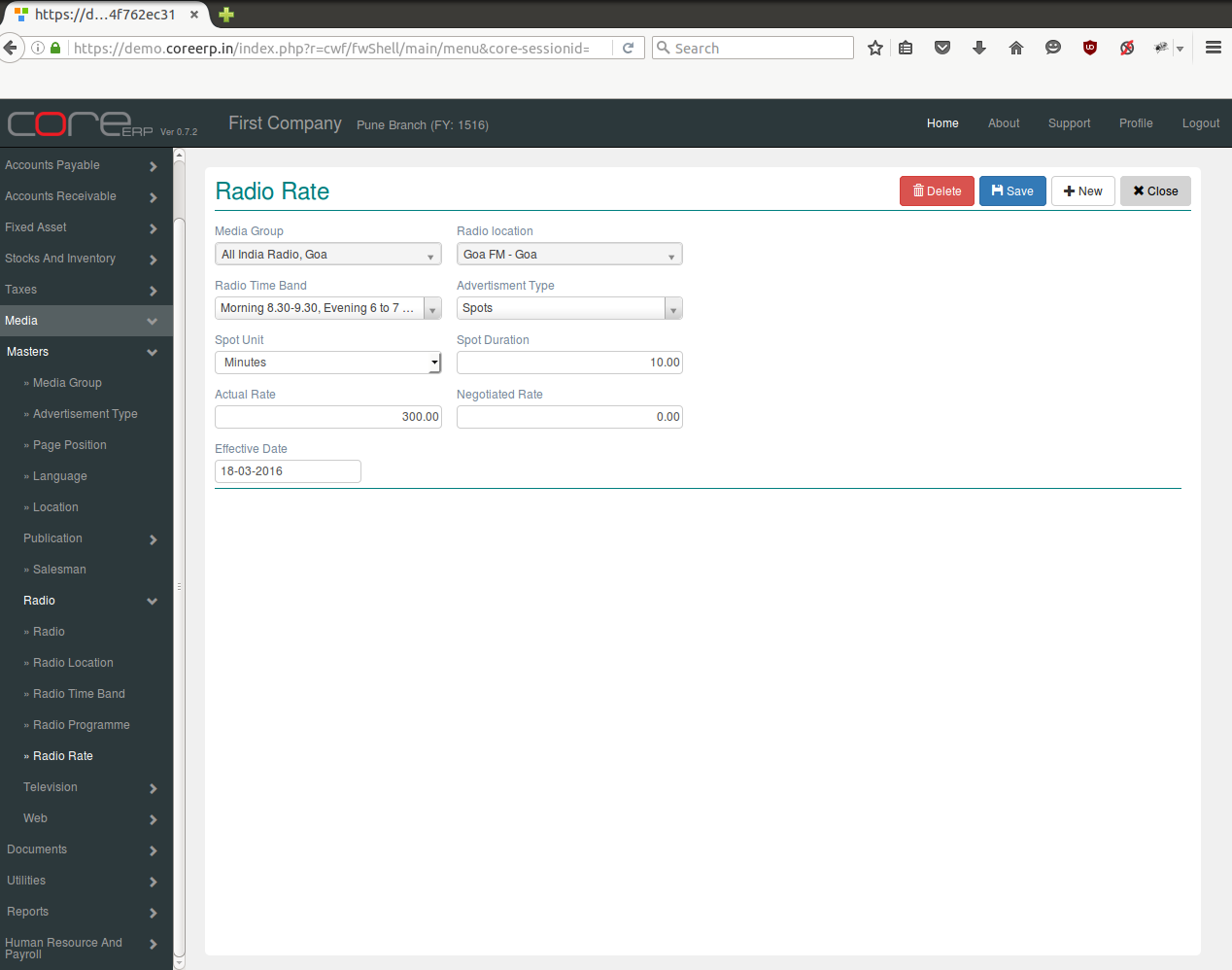
The fields are explained in the following table:
| Field Name | Required | Description |
|---|---|---|
| Media Group | Yes | Select Media Group e.g. All India Radio, ABP Group etc. |
| Radio Location | Yes | Select Location e.g. Pune, Kochi etc. |
| Radio Time Band | Yes | Select Time Band |
| Advertisement Type | Yes | Advertisement type are Appointment, Notice, Tender etc. |
| Spot Unit | No | Select Spot Unit e.g.Minutes, Hours, Seconds etc. |
| Spot Duration | No | Period of advertisement |
| Actual Rate | No | Rate in amount for advertisement |
| Negotiated Rate | No | Rate in amount |
| Effective Date | No | The Effective Date. By default, the system date is taken as Effective Date. Note : The date should be within the constraints of the Financial Year. |
Click on  to save your changes.