TV
Click on the menu Media -> Masters -> TV -> TV.
The following screen should appear. This is the TV Collection.
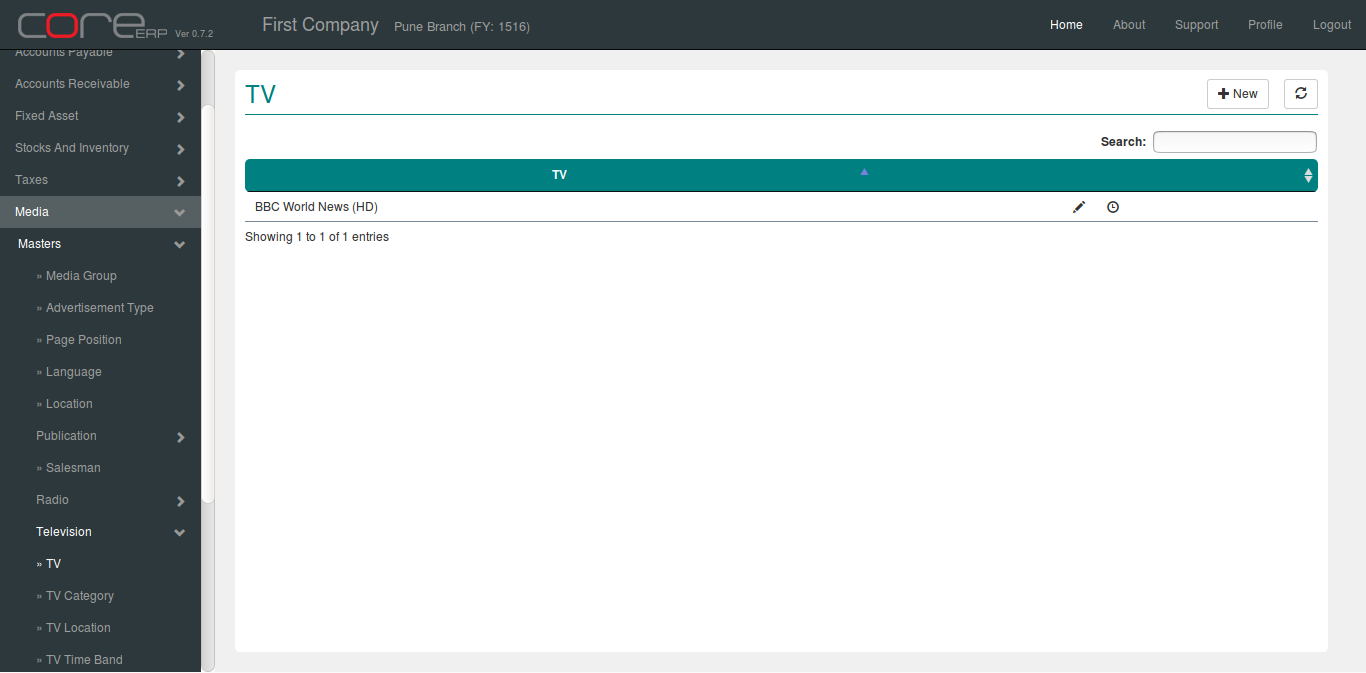
You can create a new TV by clicking on 
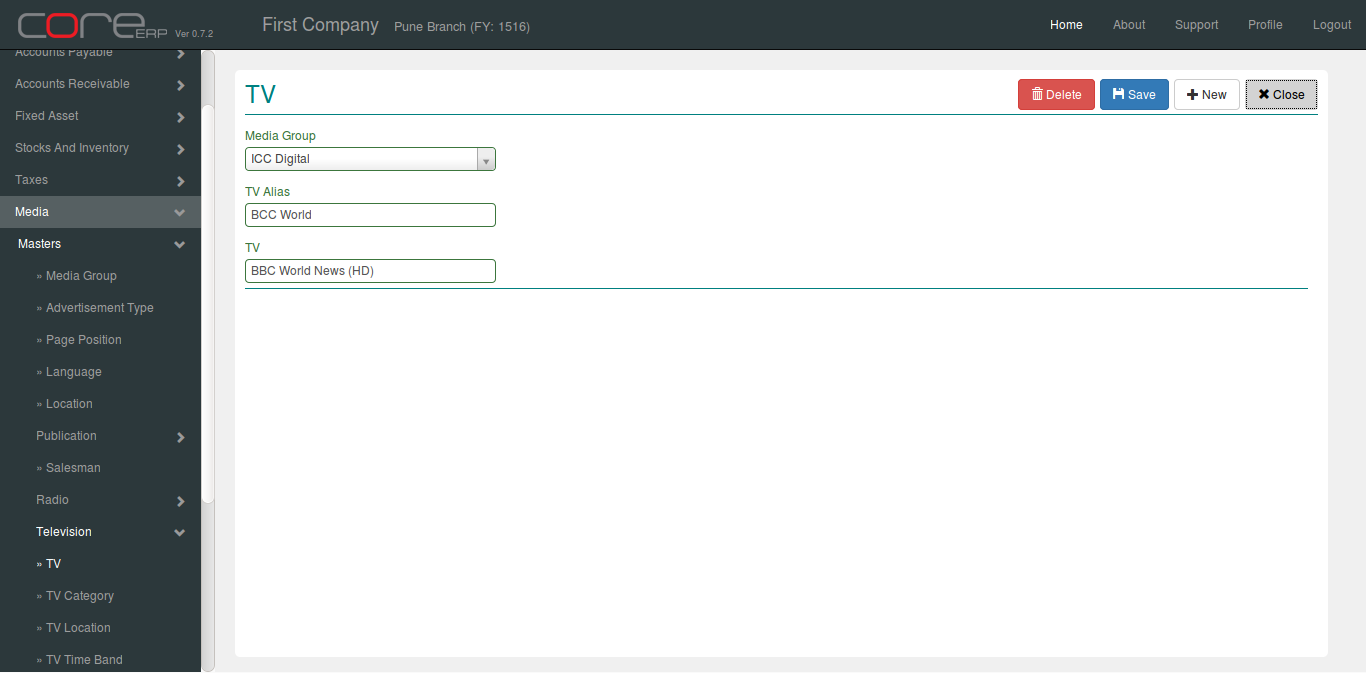
The fields are explained in the following table:
| Field Name | Required | Description |
|---|---|---|
| Media Group | Yes | Select Media Group. |
| TV Alias | Yes | Enter TV Channel Alias. |
| TV | Yes | Enter TV Channel Name. |
Click on  to save your changes.